Website Scroll Animation: Motion With a Purpose
l
Webdesign
Webentwicklung
Branding
Animation

Website scroll animation spends a limited attention budget
Webflow groups scroll animations into five types: triggered effects, scroll-linked movement, parallax, horizontal scrolling and reveals. The engineering behind them differs. The effect on a visitor does not.
Movement pulls the eye. People look at whatever changes, and they stop looking at whatever does not.
So every animation is a decision about what matters most in that moment. Skip the decision and the page makes it for you. Five moving elements on one screen tell a visitor that nothing in particular is worth their time.
Motion buys hierarchy and pays for it in load time
The upside sits in sequencing. Let a headline land first and the supporting content follow, and the hierarchy explains itself without a word of instruction. A reveal on a call to action recovers a click that would otherwise be scrolled past.
The cost sits on the same balance sheet. Animations consume browser resources, a page full of them slows down, and nobody admires your motion work after they have already bounced. Most of that traffic arrives on a phone, where there is far less room for generous movement than a desktop mockup suggests.
Three questions settle it before anything gets built:
- Which element is supposed to win this section?
- Does the movement hold up on a small screen?
- Do the Core Web Vitals stay where they were?
Two examples show what scrollytelling actually does
Webflow features five sites. Two of them are especially useful for brand pages, because they apply the same principle to completely different content.
Hungry Tiger sells jarred tikka masala sauce. As you scroll, the product rotates in the centre of the screen and opens up exactly when the ingredients section begins.
A parallax effect makes that possible. Foreground elements move faster than the background while you scroll, which creates a sense of depth. The jar starts to feel like an object someone is turning in their hand.
Agile by Design solves a very different problem. The page walks through the company's own history on a horizontal timeline that shows two or three milestones at a time.
Switching the scroll direction marks the section as its own chapter and keeps the layout open. Both examples work because a story existed first. For cultural brands, sustainable businesses and product start-ups that is exactly where the opening sits, since the narrative is usually already there.
How we approach scroll animation in projects
We never start with the movement. We start with the dramaturgy of the page: what should be understood, in what order, and where the decision actually happens.
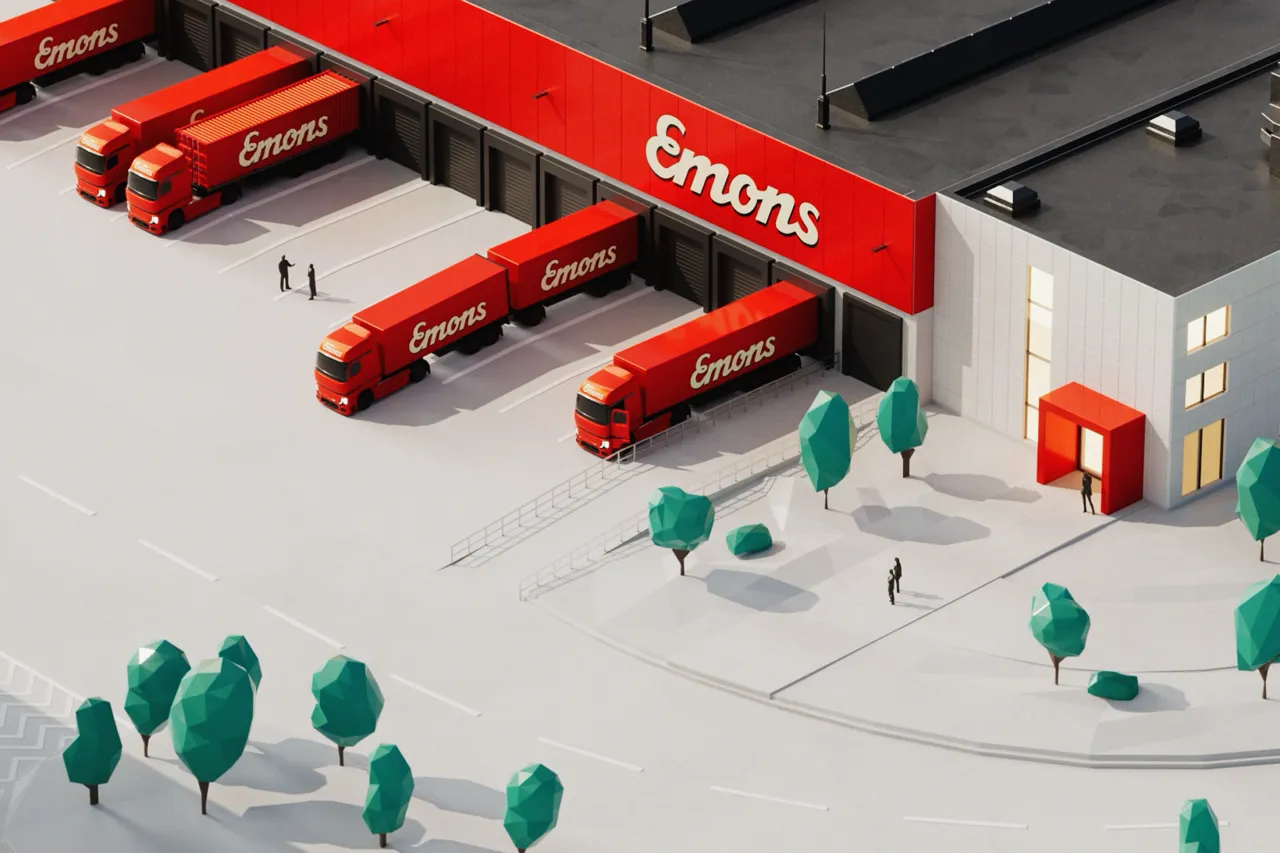
Our Emons case shows what that looks like at scale. The logistics company got a site whose 3D world assembles itself as you scroll, using scroll interactions to make the scale of the business tangible.
We built the animation in modules, with deliberate transitions and loops so the scroll experience never stutters. It ships as video, which keeps the extra processing load off visitors' browsers.
The outcome is measurable. Traffic to conversion-relevant pages rose by 150 percent and traffic to the freight request page by 352 percent (as of March 2026).
Motion was never the starting point. It was the tool that made complex logistics services understandable. At Blue World Studio, 3D and Motion and web design sit in the same team for that reason.
If you are weighing up where movement would actually help on your site, talk to us.
Sources: Webflow Blog, webflow.com
Conclusion
Scroll animation is an attention tool, and it works exactly as long as it stays selective. Decide upfront which element wins each section and the page starts explaining itself. Add motion afterwards and you pay for it in load time and lost orientation.
FAQ
What is scroll animation?
Scroll animation refers to movement on a website that is triggered or controlled by scrolling. That includes fading elements, scroll-linked sequences, parallax, horizontal sections and reveals. The purpose stays the same in every case: directing attention to a specific place.
How many animations can one page carry?
There is no fixed number, but a workable rule exists: one moving element per section at most. Keep calm passages between animated areas so visitors can tell where one movement ends and the next begins.
Do scroll animations slow a website down?
They can. Every animation consumes browser resources, and a page full of them affects load time and Core Web Vitals. That is why performance testing belongs before launch rather than after it.
When is scrollytelling worth it?
Whenever there is a story that needs an order. Product pages, company histories and data narratives benefit because they walk a visitor through step by step. Without a narrative, scrollytelling stays an effect without a job.
Do scroll animations work on mobile?
Yes, under different rules. Small screens leave little room for generous movement, and scroll speed is harder to predict. Designing mobile first and scaling up afterwards avoids most of the trouble.